Prebuilt CIPD packages in Fuchsia
The Fuchsia project uses Chrome Infrastructure Package Deployment (CIPD{: .external}) to store and distribute prebuilt files.
Note: A CIPD store is not a package server for Fuchsia devices. In other words, a Fuchsia device doesn't run components from prebuilt CIPD packages.
A CIPD package is an arbitrary collection of files, stored in
a remote content-addressed store{: .external},
and is distributed to a Fuchsia checkout through the
jiri{:.external}
tool. Also, using the cipd command-line tool, you can download a CIPD package
directly, for example, to examine its content.
CIPD packages are typically used to distribute the following files:
- Host prebuilt binaries required by the build (for example, clang toolchain).
- Fuchsia prebuilt ELF{: .external} binaries generated out-of-tree (for example, Goldfish Vulkan ICD).
- Prebuilt Fuchsia archive (FAR) files that contain binaries and metadata for software that is built for Fuchsia by other teams (for example, chromium/fuchsia/webrunner-arm64{: .external}).
Once you set up continuous integration (CI) with Fuchsia, Fuchsia’s CI system fetches those new packages and rolls them into the Fuchsia project through the global integration process.
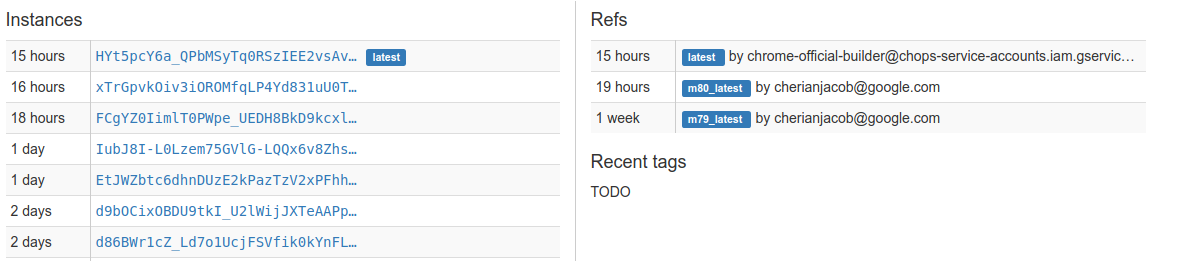
When you publish a new revision of your prebuilt package to CIPD, the latest
ref{: .external} in the
CIPD store automatically points to the new revision. Fuchsia’s CI system
monitors your package’s latest ref. When it detects that the latest ref is
updated, the system fetches the new package and rolls it into the Fuchsia
project.